
Take private notes on any wine, producer or webpage. Manage your wine list and kitchen menu — all synced with your Wicte account.
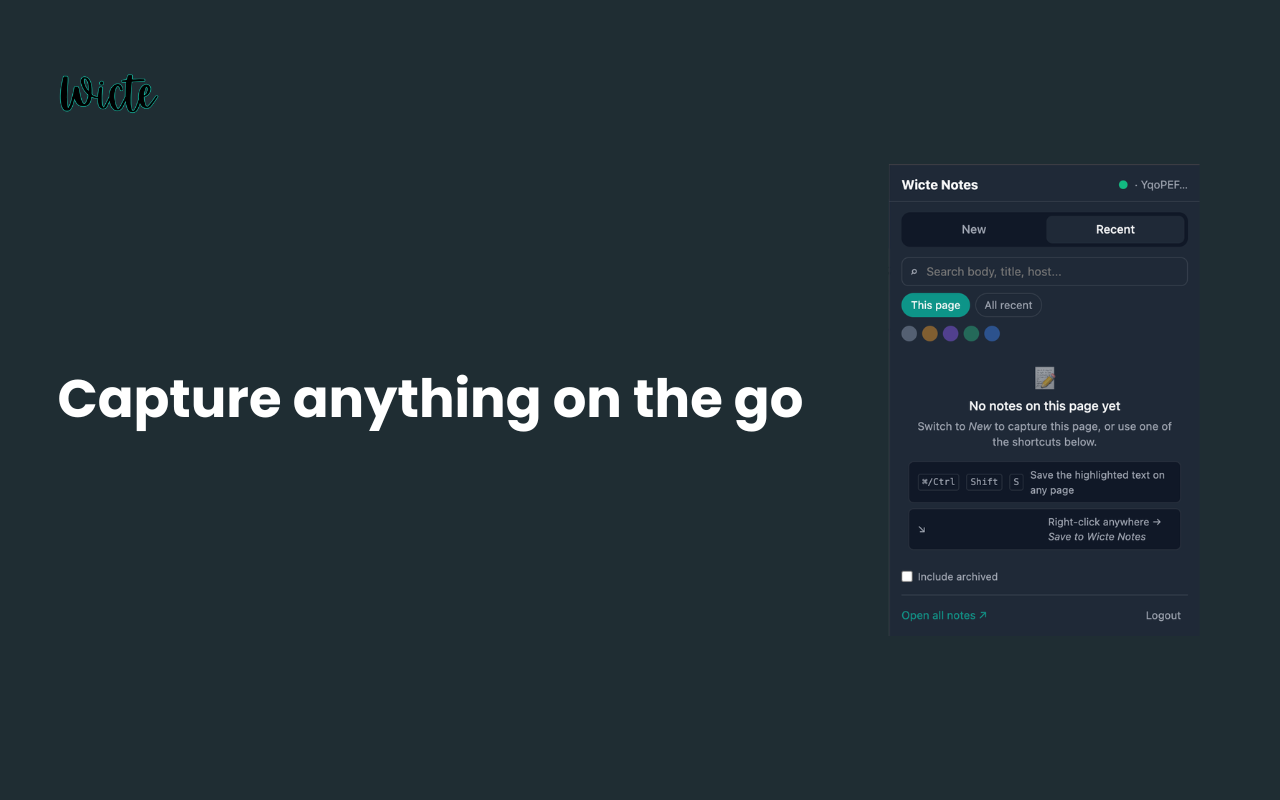
Capture, compare and organize — without leaving the page you're on.
Save any selection or page as a note with the floating button or Ctrl/⌘+Shift+S.
Browse your notes, wine list and kitchen menu in a dedicated panel — open it with Ctrl/⌘+Shift+O.
Add wines from any site to an in-page compare overlay and weigh them side by side.
Track stock, mark wines by the glass, and 86 what's out — built for restaurants and sommeliers.
Build your menu as you browse: right-click any dish or recipe and choose “Add to Wicte menu”.
Your notes stay private to your account and sync with Wicte. An offline queue keeps nothing lost.
No setup required — sign in once and you're ready.
Open the Chrome Web Store and click “Add to Chrome”.
Click the Wicte icon and sign in with your Wicte account.
Highlight text, save notes and build your wine list & menu anywhere.
Install the extension and keep your notes, wine list and menu in sync across the web.
Add to Chrome — it's free